
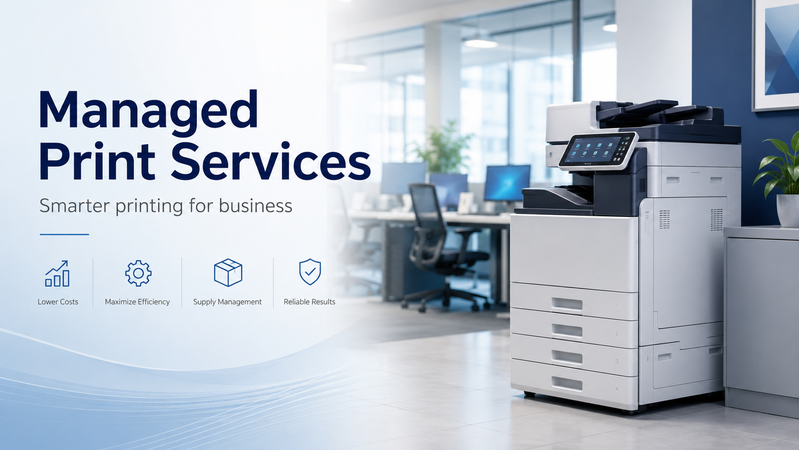
Printing costs can be difficult to track when equipment, toner and servicing are managed separately. A printer is replaced when it fails, supplies are ordered when they run low, and staff spend time resolving problems as they arise.
Managed Print Services, often called MPS, brings these decisions together. It starts with understanding how your business prints, then identifying suitable equipment, consumables and support arrangements.
At Hunter Office Technology, we help businesses review their printing requirements and choose a setup that fits their daily work.
What Are Managed Print Services?
Managed Print Services is an approach to managing workplace printing that considers both the equipment and its ongoing operation.
Depending on the agreed arrangement, it can include:
- Reviewing your existing printers and printing costs.
- Recommending suitable printers or multifunction devices.
- Monitoring usage and consumable levels.
- Organising replacement toner or ink.
- Providing servicing and support.
- Reviewing your setup as your requirements change.
The aim is to make printing easier to manage and give your business a clearer picture of its ongoing costs.
Explore Managed Print Services at Hunter Office Technology.
How Does Managed Print Work?
1. Review Your Current Setup
The first step is to understand what you already have and how it is used.
This can include the number of printers in your workplace, their models, monthly print volumes and the documents your team produces. It is also useful to identify devices that regularly cause problems or require frequent cartridge changes.
Recent toner invoices and printer usage reports can help build a clearer picture of your current costs.
2. Match the Equipment to Your Workload
Different workplaces need different print setups.
An administration team mainly printing black-and-white documents may need a mono printer. A business producing colour reports and scanning incoming paperwork may be better suited to a colour multifunction device.
Other considerations include paper capacity, automatic double-sided scanning, network connections and where printers should be positioned.
The recommendation should reflect your actual workload and the features your team uses.
3. Agree on Supplies and Support
Once suitable equipment has been identified, the next step is to clarify how it will be supported.
This includes discussing consumable supply, monitoring where available, servicing arrangements and how your team should request assistance.
The proposal should explain what is included, how charges are calculated and which items or services are handled separately.
How Can MPS Help Control Printing Costs?
A printer’s purchase price is only one part of its overall cost.
Toner, ink, drums, maintenance and staff time all contribute to the cost of keeping it running. A device that appears inexpensive initially may become less economical when used beyond the workload it suits.
A managed print review can identify opportunities to:
- Choose devices appropriate for your print volume.
- Compare cartridge prices and yields.
- Use higher-yield consumables where suitable.
- Reduce unnecessary colour printing.
- Make better use of double-sided printing.
- Review overlapping or underused devices.
- Plan replacement equipment before recurring faults become disruptive.
Potential savings depend on your current setup, printing habits and the solution selected. The review provides a basis for comparing those options.
Keeping Toner and Ink Supply Organised
Running out of toner during a busy day can interrupt work and lead to urgent purchasing.
Where monitoring is included and configured, consumable information can help our team plan replacement supplies. This can reduce the need for staff to manually check each printer and work out which cartridge to order.
Your arrangement should clarify how replacement supplies are triggered, where they are delivered and who receives them.
If your business manages its own consumables, you can also shop printer ink, toner and supplies online. Always check compatibility with your exact printer model before ordering.
Which Businesses Should Consider Managed Print?
MPS can be worth exploring wherever printing is a regular part of the working day.
Examples include:
- Medical and allied health practices.
- Legal and accounting offices.
- Schools and training organisations.
- Real estate and professional services businesses.
- Warehouses and logistics teams.
- Trade businesses and administration offices.
You do not need a large printer fleet to start a discussion. A small business with one heavily used printer may benefit from reviewing its equipment and ongoing costs.
Useful signs that it is time for a review include frequent toner orders, recurring faults, staff waiting for shared equipment or uncertainty about total printing expenditure.
Brother MPS-Exclusive Printers
Hunter Office Technology is a Brother Managed Print Services Partner, providing access to selected Brother business printers and MPS-exclusive models.
These exclusive devices are available through consultation with our team and are not offered for direct online purchase.
A discussion helps us understand your print volume, required features and support needs before recommending an appropriate model.
Learn more about Brother Managed Print Services or explore our Brother business printer information.
What If You Prefer to Buy a Printer Outright?
Some businesses prefer to purchase a retail printer and manage their own supplies. That can be a practical option where requirements are straightforward.
You can browse printers and scanners in the Hunter Office Technology shop to compare the online range.
If you are unsure whether a retail model or a managed print solution would suit you better, our team can help you assess the options.
Get Started with a Print Review
To prepare for a discussion, gather the following information where available:
- Your current printer model numbers.
- Approximate monthly print volumes.
- Your mix of colour and black-and-white printing.
- Recent toner or ink costs.
- Any recurring faults or missing features.
- Your scanning, copying and paper-handling requirements.
Hunter Office Technology can use this information to help assess your current setup and discuss suitable next steps.
Contact Hunter Office Technology to discuss Managed Print Services for your business, or visit our Managed Print Services page to learn more.