
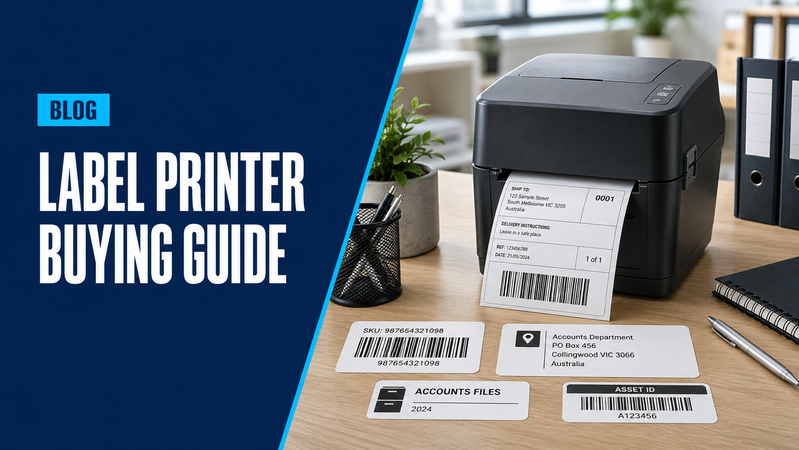
Label printers make everyday tasks easier, from organising office files to preparing parcels and identifying equipment.
However, a printer designed for narrow filing labels may not suit shipping labels or larger barcodes. Choosing the printer and its compatible supplies together helps avoid incorrect sizes, unsuitable materials and unnecessary running costs.
Hunter Office Technology’s online shop brings together label printers and label makers alongside replacement labels, tapes and rolls. Here is what to consider before ordering.
Start With What You Need to Label
Think about the labels you will produce most often.
Common uses include:
- Files, folders and storage containers
- Shelves and office equipment
- Address and shipping labels
- Product and barcode labels
- Asset identification
- Cables and network equipment
Consider the available space on the item, how much information the label needs to display and whether it will encounter moisture, sunlight or frequent handling.
These requirements help determine the printer type, label width and material.
Office Label Makers
Tape-based label makers are useful for organising files, cupboards, shelves and equipment.
Models with a built-in keyboard allow labels to be created directly on the device. Computer or mobile connectivity can provide more flexibility for designing labels and reusing templates.
For example, the Brother PT-D460BT works as a standalone label maker or connects to a computer or mobile device. It uses Brother TZe tapes up to 18mm wide.
Before choosing a model, check its supported tape widths and the available colours, adhesives and materials. For equipment or frequently handled items, look for compatible tapes with suitable durability.
Shipping and Barcode Label Printers
Businesses regularly dispatching parcels may benefit from a dedicated label printer that supports wider labels.
The Brother QL-1110NWB supports labels up to 102mm wide and is designed for applications including shipping labels.
Before ordering, confirm:
- Your courier or shipping platform’s required label format
- The printer’s supported label dimensions
- Compatibility with your computer and software
- Required USB, network or wireless connections
- Expected daily printing volume
For barcode applications, also check that your label-design software supports the required barcode format and produces labels your scanners can read reliably.
Choose Compatible Labels and Tapes
Replacement supplies should be part of the buying decision.
Browse our labels, label rolls and tapes and check the exact consumable code against your printer model. Similar-looking rolls or cassettes are not necessarily interchangeable.
Consider:
- Pre-cut labels or continuous rolls
- Required width and length
- Permanent or removable adhesive
- Paper or more durable materials
- Indoor or outdoor use
- Label colour and print colour
Pre-cut labels provide a consistent size for repeat tasks. Continuous supplies allow different label lengths where supported by the printer.
Compare the number of labels or usable tape length in each pack when assessing ongoing costs.
Check How Your Team Will Use It
A standalone label maker may be sufficient for occasional office organisation. Shared workstations or regular dispatch tasks may need computer connectivity, saved templates or spreadsheet importing.
Check which features are supported by the specific printer and software. Choosing around your actual workflow helps avoid paying for features you will not use.
Shop Label Printers and Supplies Online
Explore Hunter Office Technology’s online range using the links above to compare printers and order compatible supplies.
If you are unsure which model, tape or roll suits your application, contact our team before ordering. We can help you select the printer and labels together.