
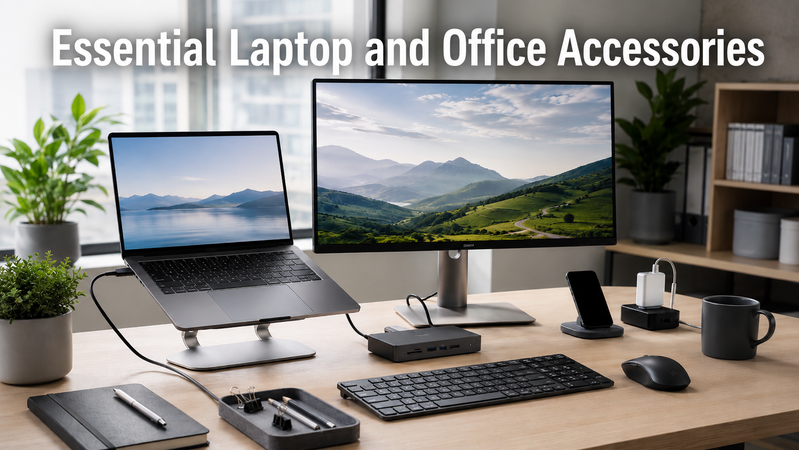
Essential Laptop and Office Accessories Guide
A laptop gives you the flexibility to work almost anywhere, but the right accessories can make your everyday setup more practical. An external screen, separate keyboard and mouse, suitable charger and laptop bag can all make a difference when moving between home, the office and meetings.
At Hunter Office Technology, you can shop for laptop and office accessories online, with Australia-wide delivery and local support from our team in Beresfield.
Here’s what to consider when putting together your setup.
Docking Stations: Connect Your Workspace
If you regularly connect your laptop to a monitor, keyboard, mouse and wired network, a docking station can simplify your desk setup.
Instead of connecting each accessory separately every morning, a compatible dock brings several connections together through one connection to your laptop.
The Lindy DST-Mini Docking Station includes HDMI and DisplayPort connections, USB ports, Gigabit Ethernet and memory card readers. It also supports USB-C Power Delivery with a suitable power source.
Before choosing a dock, check:
- Your laptop’s connection type and support for video over USB-C.
- The number of monitors you want to connect.
- Your monitors’ connections and resolution.
- Your laptop’s charging requirements.
- Compatibility with your operating system, particularly for multiple displays.
A USB-C connector alone does not guarantee every docking feature will work. If you’re unsure, our team can help you check the options against your laptop model.
Shop laptop and notebook docking stations.
Laptop Chargers: Power Where You Need It
A spare laptop charger can be useful if you work between different locations. Keeping one at your desk and another in your bag means one less item to disconnect and pack each day.
The HP 65W USB-C Laptop Charger delivers up to 65W and includes built-in cable management. It is an option for compatible laptops that charge through USB-C.
When choosing a replacement or spare charger, check your laptop’s required wattage and supported charging connection. Some laptops need more than 65W, and some USB-C ports do not accept charging.
Phone chargers and portable power banks are not automatically suitable for laptops. Matching the charger to your device is more useful than choosing by connector shape alone.
Browse laptop accessories and chargers.
Monitors: Give Your Work More Room
An external monitor gives you more space for documents, spreadsheets, email and video meetings. It can also make it easier to arrange your screen separately from your keyboard and mouse.
For everyday office work, consider how much desk space you have and the applications you use most. A larger screen can be useful, but resolution also matters when comparing how much detail and workspace a display provides.
Before buying, consider:
- Screen size: Choose a size that suits your desk and viewing distance.
- Resolution: Compare the clarity and workspace available for your usual tasks.
- Connections: Check compatibility with your laptop or docking station.
- Stand adjustment: Look at the adjustments included with the particular model.
- Mounting compatibility: Check the monitor’s specifications if you plan to use an existing monitor arm.
Hunter Office Technology’s range includes HP, LG and Dahua monitors, with options for different workspaces and budgets.
Keyboards and Mice: Make Your Desk Your Own
A separate keyboard and mouse let you position your laptop or monitor independently from your hands. They are useful additions if you spend much of your day typing, working with spreadsheets or moving between applications.
The Logitech MK850 Performance Wireless Keyboard and Mouse Combo combines a full-sized keyboard with a cushioned palm rest and a contoured mouse.
It supports connections through a USB receiver or Bluetooth and can switch between up to three compatible devices. This makes it worth considering if you regularly move between a work computer and another device.
When comparing keyboards and mice, think about your preferred keyboard size, whether you need a number pad, the mouse shape and your available connections.
Laptop Bags: Carry Your Equipment Together
If your laptop travels with you, a suitable bag helps keep it protected and makes your equipment easier to carry.
The HP Prelude 15.6 Top Load Bag features a padded laptop compartment and a top zip closure. It is designed to fit most laptops with a 15.6-inch screen.
Check your laptop’s physical dimensions before choosing a bag, as devices with the same screen size can have different overall measurements. Also consider how much space you need for a charger, mouse and other everyday items.
If you prefer a backpack, you can compare other options in our laptop accessories range.
Shop laptop bags and accessories.
Putting Your Setup Together
You don’t need to buy every accessory at once. Start with the part of your current setup that causes the most inconvenience.
For a home office: Start with an external monitor, keyboard and mouse. Add a compatible docking station if you frequently connect and disconnect your laptop.
For hybrid work: Consider a suitable laptop bag and a spare charger to make moving between locations simpler.
For a shared workspace: Check the laptop models your team uses before selecting docks, chargers and monitors. Similar-looking connections can support different features.
For working on the move: Prioritise a bag that fits your equipment and a charger matched to your laptop’s power requirements.
Find the Right Accessories at Hunter Office Technology
Explore the Hunter Office Technology online shop for monitors, keyboards, mice, docking stations, laptop chargers and accessories.
If you need help choosing compatible products, contact our team with your laptop model and a brief description of your setup. We can help you narrow down the options for your home office or business.